AI assistants read your website: what it means and how to see it on yours
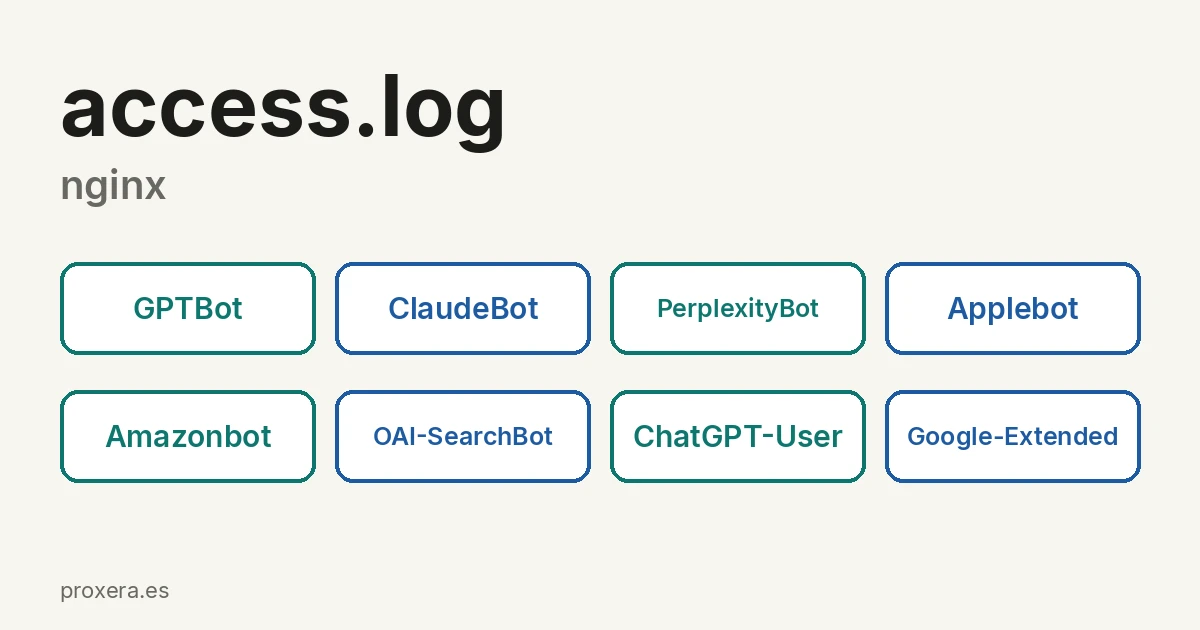
AI assistant robots visit websites. They are not people. They are the programs that ChatGPT, Claude, Perplexity, Siri or Alexa use to read pages and answer with them.
That information does not come from an SEO tool: it comes from the server logs.
Why an impression without a click is not always a failure
Some of the queries that show your pages in Google are not made by people. They are AI assistants searching on someone's behalf, and Search Console does not tell you which ones.
When whoever is asking is a machine, the click is neither the goal nor possible. The assistant reads the page, extracts what it needs and answers in its own interface. The person gets the answer —sometimes with the source cited— and never visits your website. That visit does not appear in your analytics, and yet your content has done its job.
This does not mean a low CTR is always good. It means that CTR can no longer be read on its own: before drawing conclusions about your headline, consider that part of your impressions may not be human. A bad headline and a reader that is a machine produce the same zero, and fixing the headline only helps in one of the two cases.
In fact, the practical consequence is uncomfortable: optimising a headline for a query that only machines make is pointless. What does help is being citable — direct answers, concrete data with its source and explicit prices in the first paragraphs, instead of three paragraphs of introduction before saying anything.
How to see it on YOUR website, without buying anything
You do not need a tool. These agents identify themselves in every request, and your server records it. If you have nginx, this counts how many times each one has read you:
LOG=/var/log/nginx/YOUR-DOMAIN.access.log
for b in GPTBot ClaudeBot PerplexityBot \
         Applebot Amazonbot OAI-SearchBot \
         ChatGPT-User; do
  printf '%6s %s\n' "$(grep -ic "$b" "$LOG")" "$b"
done | sort -rn
Three warnings so you do not read too much into the result:
- It counts requests, not visitors. An agent that reads five pages counts five times.
- The log rotates. That file usually keeps only the latest days; the earlier ones are compressed next to it, under another name.
- If the file does not exist or you cannot read it, do not estimate. There is no way to deduce robot traffic from anything else, and an invented number here is worse than having no number.
With Apache the file is in a different place, but the idea is the same: the agent is written on every line.
What we did, and why
Two things, neither spectacular.
An llms.txt file. It is a plain-text summary, designed so that an assistant understands who you are without having to deduce it from a website made for people. Ours is at proxera.es/llms.txt (ES) and is a little over 6 KB. What matters most to us in it is what it says near the end: that we do not publish ROI metrics or improvement percentages, and that if anyone finds one attributed to us, it does not come from there. An assistant that cites us has that notice in front of it.
⚠️ It should be said clearly: llms.txt is a convention, not a standard, and no assistant is obliged to read it. It is not a ranking lever. It is cheap, it is honest and it forces you to write on one page what you actually offer.
Fixing robots.txt. On 23 August 2026 we corrected an error that had been there for some time and that you cannot see by glancing at the file: a robot obeys a single group, the most specific one that matches its name, and behaves as if the others did not exist. We had a User-agent: Googlebot group that only said Allow: /. It did not add permission to the general group: it replaced it, and with it went all the restrictions of the * group. The result was the opposite of what the file appeared to say.
The rule we took from that, and which is now written as a comment in the file itself: if a bot has its own group, that group repeats all the restrictions. Today we have 35 groups, one per relevant agent, each one complete.
What to do about it this week
Three things, in order of effort:
- Look at your logs with the command above. If the number is zero, you know where to start. If it is not, you now have a figure you did not have before.
- Open your
robots.txtand check whether any agent has its own group. If it does, check that the group repeats everything you want to restrict. - Look at your pages with many impressions and zero clicks before rewriting their headlines. If the queries bringing them are long, complete sentences —of the "I need a supplier who…" kind— whoever is searching is probably not a person, and the headline is not the problem.
None of this is a new channel that replaces the previous ones. It is a channel that was already passing through your server without you counting it.
Related articles
AI in action
Want to see XERA in action?
Talk directly to XERA and find out how it can automate the repetitive tasks in your business.
No commitment
Prefer it with a fixed day and time?
Book a video call (in Spanish)Pick a slot and the invitation reaches you straight away. The booking page is in Spanish.
Related content
Automate Your Accounting Firm in 2026: A Practical Guide for Professional Practices
A practical guide to automating your accounting and tax advisory firm or professional practice in 2026. What to automate, where to start and how XERA can help without changing your tax software.
2026 Personal Income Tax (IRPF) Checklist for Accounting Firms: Calendar, Documentation and Errors That Cost Penalties
A 2026 IRPF checklist for accounting firms: the tasks before, during and after the campaign. Avoid the chaos of April to June.