Three questions before hiring customer service AI: does it know when to hand over to a person?
An AI assistant that replies quickly shows well in a demo. You write to it, it answers in two seconds, with good spelling and no hurry. What almost never comes up in the demo is the other thing: when it has to stop replying and hand the conversation over to someone on your team.
That is where real customer service is decided. An angry client, a question that is not in any document, someone who says "I want to speak to a person". If the assistant carries on replying as if nothing had happened, the problem is no longer the AI's: it is yours.
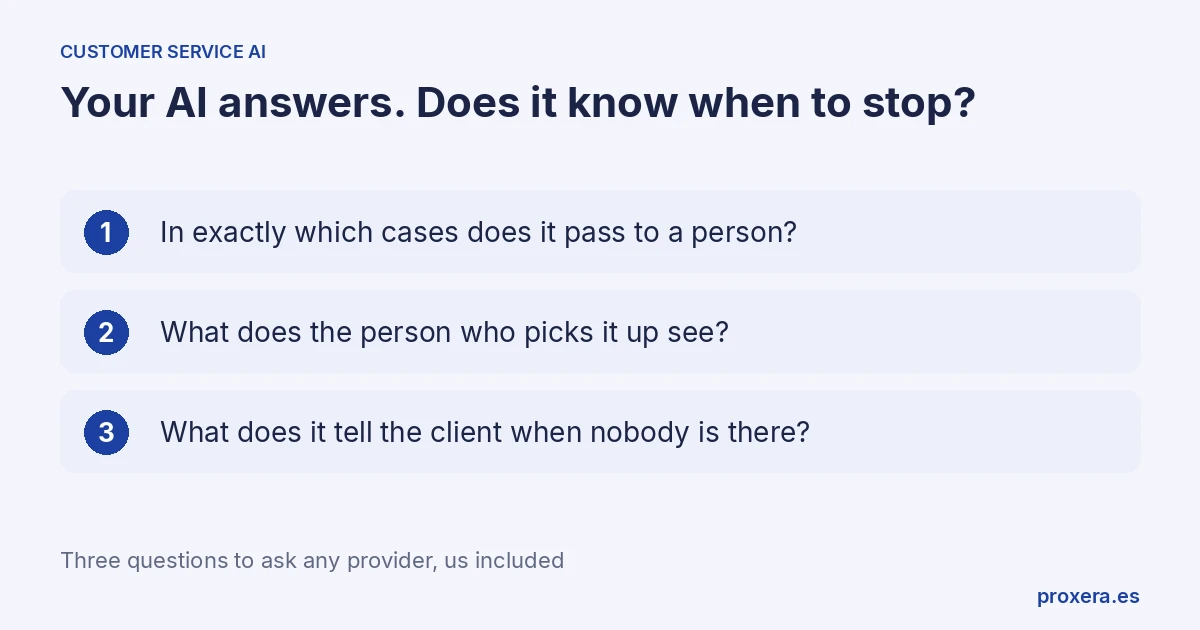
There are three questions. They work for any provider, and for us too.
The three questions, in a table
| Question | Answer that does not count | What to ask for instead |
|---|---|---|
| 1. In exactly which cases does the conversation pass to a person? | "When needed." | The list of cases, in writing, and to see it happen live. |
| 2. What does the person who picks it up see? | "They receive a notice." | To see the screen of whoever receives the handover. |
| 3. What does it tell the client when nobody is there? | "There is always an answer." | The exact message that goes out outside office hours. |
1. In exactly which cases does the conversation pass to a person?
"When needed" is not an answer. It is the polite way of not having one.
Ask for the list. Some cases your business surely wants to see there:
- The client asks to speak to a person, however they put it.
- The question is not in the information you have given it.
- The client is upset or complaining.
- Money is involved beyond what is published: a discount, an exception, a refund.
Then ask them to show it: in the demo, you write "I want to talk to someone", and see what happens.
2. What does the person who picks it up see?
If the handover arrives as a notice that says "a client wants to talk to you", the person who picks it up has to ask everything again. And the client, who has already told it once, starts from zero.
What is worth seeing: the whole conversation, what the client has already said and why the assistant decided to pass it on. Ask to see that screen, the one for whoever receives the handover, not the client's.
3. What does it tell the client when nobody is there?
At eleven at night nobody on your team is going to take the handover. The assistant has to say something, and what it says is a promise on behalf of your business.
The honest thing is "we will call you tomorrow". The dangerous thing is to imply that the matter is already resolved.
Ask to see the exact text that goes out outside office hours. And ask where that case appears the next morning: if nobody sees it on arriving, nobody keeps the "we will call you tomorrow" promise.
Ask to see it working
The three questions have something in common: the answer is seen, not explained. A presentation with screenshots does not answer it.
For the meeting, bring three or four real questions that your clients have asked you this week, without personal data. Write them yourself in the demo. Include one that has no answer on your website and one in which you ask to speak to a person.
At Proxera we also sell a customer service assistant, Xera Chat. These three questions apply to us just the same: ask us, and ask us to show you it working. Write to us through the contact page. We reply in Spanish.
If what worries you is the channel, WhatsApp specifically, what Meta requires and how to choose a provider is in WhatsApp Business API for accounting firms and professional practices.
AI in action
Want to see XERA in action?
Talk directly to XERA and find out how it can automate the repetitive tasks in your business.
No commitment
Prefer it with a fixed day and time?
Book a video call (in Spanish)Pick a slot and the invitation reaches you straight away. The booking page is in Spanish.
Related content
Automate Your Accounting Firm in 2026: A Practical Guide for Professional Practices
A practical guide to automating your accounting and tax advisory firm or professional practice in 2026. What to automate, where to start and how XERA can help without changing your tax software.
2026 Personal Income Tax (IRPF) Checklist for Accounting Firms: Calendar, Documentation and Errors That Cost Penalties
A 2026 IRPF checklist for accounting firms: the tasks before, during and after the campaign. Avoid the chaos of April to June.