Voice assistant, WhatsApp and CRM in a Spanish gestoría: how they work together and what each piece costs
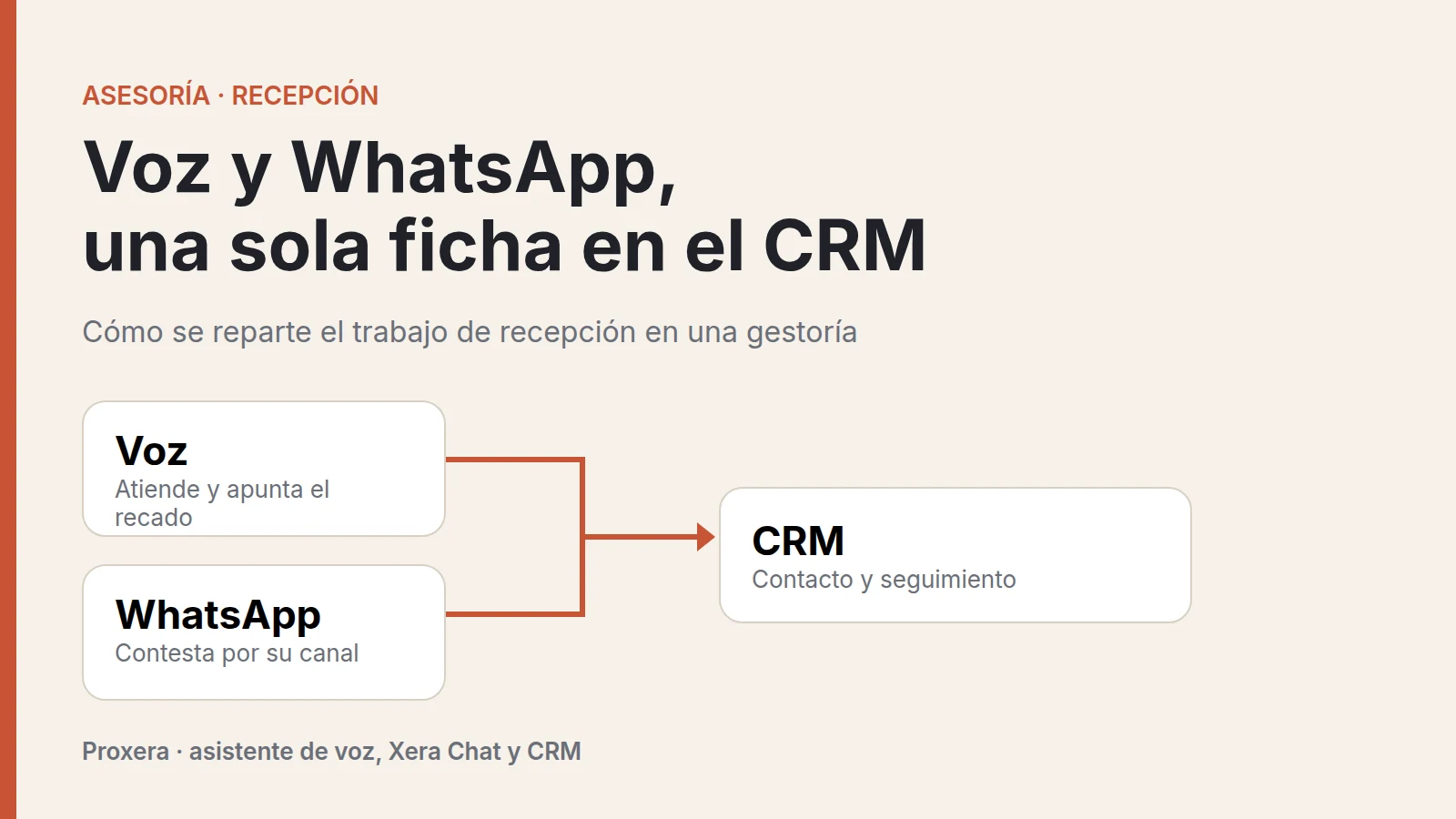
In a gestoría (a Spanish tax and administrative advisory firm), the voice assistant answers the phone when nobody can, handles the basic questions and takes the message; WhatsApp replies to clients on the channel they already use; and the CRM keeps each contact and the follow-up of each enquiry so nothing gets lost. They are three pieces that can be bought separately. At Proxera, voice costs between €58 and €198 a month, and voice plus WhatsApp costs €129 a month plus the setup fee; all prices exclude VAT. Below: what each piece solves, what happens to an out-of-hours call step by step, and the price table.
We have an interest here: all three pieces are our services. Prices are taken from our voice assistant pricing page, read on 22 November 2026. This is not a comparison of providers: if you want to choose a WhatsApp provider, see WhatsApp Business API providers in Spain.
Good to know before you read on: the assistant answers calls in Spanish and, on request, in Catalan. Only the Voz Multidioma plan also answers in English, French and German. Our sign-up forms and calls are in Spanish.
What front-desk problem does each piece solve in a gestoría?
Each piece covers a different gap. None of them replaces the other two.
| Piece | The gap it covers | What it does | What it does not do |
|---|---|---|---|
| Voice assistant | The phone ringing while the whole team is busy, at quarter-end or out of hours | Takes the call, answers what you have taught it (opening hours, which documents to bring), asks whether the caller is a private individual, self-employed or a company, and takes a message with a call-back number | It does not see your client files or give tax advice. On Voice only and Voz Pro it does not transfer the call to a person |
| Clients who would rather write than call, and messages landing on a team member's personal phone | An AI assistant replies on WhatsApp with the firm's information, through Meta's official API | It is not the channel through which call messages reach you | |
| CRM | Enquiries noted on paper, in an email or in the memory of whoever picked up the phone | Keeps each contact, the enquiry and where the follow-up stands, in one place | It does not serve anyone: it organises what comes in through the other two |
What happens to an out-of-hours call, step by step?
An example: a self-employed client calls at 20:30 because they have received a letter from the Spanish Tax Agency.
- The voice assistant answers. It says the office is closed, asks what the enquiry is about, whether the caller is a private individual, self-employed or a company, and when they would like a call back.
- When the call ends, the message reaches you by email: a summary of the enquiry and the call-back number. If you register your Telegram chat, it also alerts you there. The alert to the firm arrives by email and Telegram, not by WhatsApp.
- The call is kept in the voice panel, with its transcript and audio. The audio can be played for 15 days.
- The message goes into the CRM. There are three ways, depending on what you have:
- By hand: whoever opens the email next morning creates the contact and notes the follow-up.
- Automatic sending: each message is sent to a web address of your tool. Included in Voz Pro; on Voice only it is €149 + VAT, one-off.
- Custom connection to your CRM, if it has an API (€490 + VAT, one-off).
- First thing in the morning, someone calls the client back with the reason already written down and the contact already in the CRM.
When is voice enough, and when do you need WhatsApp?
Voice is enough if your clients call and the problem is that nobody gets to the phone. It is the cheapest piece and needs no change of number: you divert your usual number to the Barcelona (93) number we give you. The codes for each operator are in how to divert calls to an AI receptionist.
You need WhatsApp if many clients write instead of calling, or if the firm's enquiries end up on someone's personal mobile. Then the same assistant answers on the phone, on WhatsApp and on your website: that is the Conecta + voice package.
Choose Voz Multidioma if you need calls transferred to someone on the team, or if clients call in English, French or German. It is the only voice plan that transfers the call live.
If this is your case: What Xera does for your business (ES) →
More on the phone side in AI virtual receptionist.
What does each piece cost?
Prices published at /en/precios-voz, read on 22 November 2026. All excluding VAT.
| Plan | Monthly fee | Minutes included per month | Extra minute | Setup fee | Transfers the call to a person | Connection to your CRM (if it has an API) |
|---|---|---|---|---|---|---|
| Voice only | €58/month | 250 | €0.20 | None | No | €490, one-off |
| Voz Pro | €99/month | 500 | €0.15 | None | No | €490, one-off |
| Voz Multidioma | €198/month | 750 | €0.15 | None | Yes | €490, one-off |
| Conecta + voice (WhatsApp, web and voice) | €129/month | 500 | Pending: not published on the page | €498 (Conecta Plan) + €325 (official WhatsApp integration by Meta), one-off | Not stated on the page | Included |
- Minimum term: 3 months on the voice plans; on Voz Multidioma, from go-live.
- Meta's message fees are separate and the firm pays them directly to Meta. Since 1 October 2026, each business phone number has a free tier of 1,000 delivered service messages per month, and Meta charges from the 1,001st (Meta, updates to pricing, read on 22 November 2026). We do not quote Meta's euro rates here: they depend on the country and the message category, and they are in Meta's documentation. More detail in the article on WhatsApp Business API.
- Other providers: we do not compare them here. Prices of other AI receptionists are in AI virtual receptionist in Spain: 2026 prices.
What if the firm already has a CRM, or doesn't?
If you already have a CRM with an API, we connect it: that is the €490 + VAT one-off custom connection, or it is included in Conecta + voice. With that connection, each call message goes straight into your CRM and, depending on what its API allows, the assistant can be programmed to look up data during the call (for example, whether the caller is already a client). What can be read depends on each CRM, so it is checked case by case before it is promised.
If your CRM has no API, the message still reaches you by email and is entered by hand. Before signing up, ask your CRM provider whether it has an API.
If you have no CRM, we provide one: our panel includes its own CRM, with contacts, companies and opportunities by stage, plus an AI copilot. It is the one we use at Proxera every day. It has no published price; you see it on a call.
What about client data (GDPR)?
- Recordings: the audio of each call can be played for 15 days and is then deleted. Summaries, transcripts and call history are kept while you are a client; when you leave, everything is deleted.
- Data processing agreement: we sign a DPA with every client.
- What the assistant sees: it does not see your client files. It takes the message and the adviser handles it.
Frequently asked questions
Can I buy only the voice assistant?
Yes. The three pieces are sold separately. Voice only, Voz Pro and Voz Multidioma are voice plans without WhatsApp; Conecta + voice combines voice, WhatsApp and web.
Do call messages reach me on WhatsApp?
No. When the call ends they arrive by email and, if you register your chat, also on Telegram. WhatsApp is the channel your clients use to write to you, not the alert channel.
Does the assistant book appointments with a day and time?
Without a connection to your CRM or software, no: it takes the caller's preferred time slot and a person confirms it. With the custom connection, if your software has an API, it can be programmed to book them; what each program allows is checked before signing up.
Do I have to change my number?
No. You divert your usual number to the 93 number we give you. Clients keep calling the same phone number.
Next step
If you want to see which piece fits your firm, book a call: you pick a day and time in the calendar and receive an email invitation with the video-call link. The booking page and the call are in Spanish.
Book a call (ES) Appointments are booked in Spanish.
AI in action
Want to see XERA in action?
Talk directly to XERA and find out how it can automate the repetitive tasks in your business.
No commitment
Prefer it with a fixed day and time?
Book a video call (in Spanish)Pick a slot and the invitation reaches you straight away. The booking page is in Spanish.